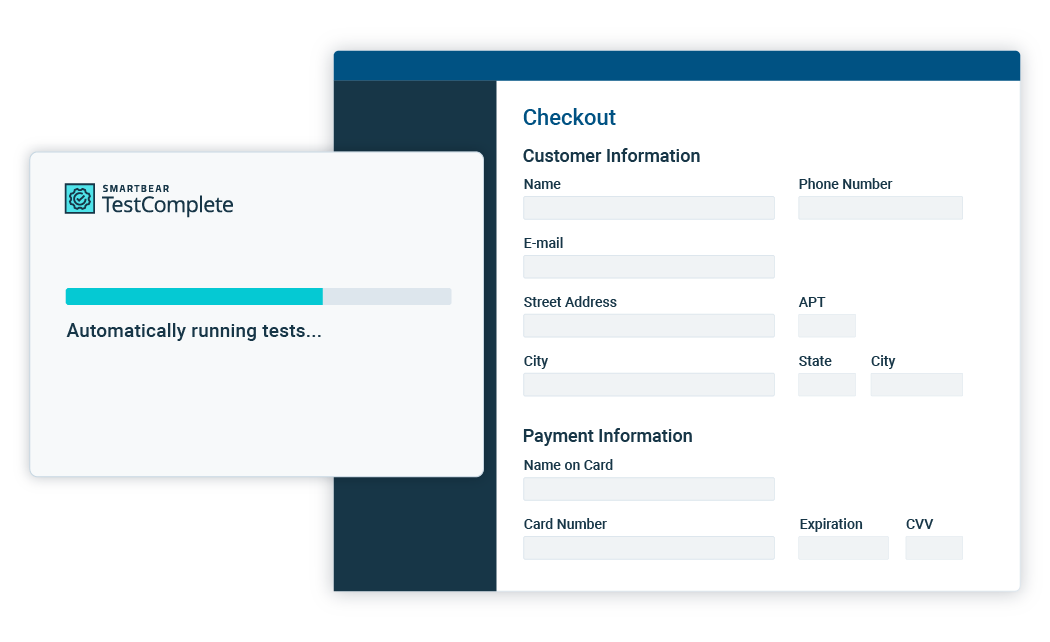
Web testing or functional testing of web applications is aimed at verifying the functionality and reliability of your websites and web applications before they go live. TestComplete fully supports front-end web testing. It can simulate user actions through the browser and detect the web page’s state so that web applications can be tested on the front end with web testing while on the back end with load testing. Since web testing interacts with the client side of web applications, it can be performed regardless of their server side implementation — CGI, ASP, PHP and others.

TestComplete provides numerous features for automating your web testing efficiently:

Cross-Browser Testing

TestComplete enables you to test your web applications in most popular browsers:

  • Internet Explorer 6—9 (both 32-bit and 64-bit)
  • Mozilla Firefox 3.6—9.0
  • Google Chrome 16

With a few minor changes, your recorded test can be run against other browsers to ensure your web application’s cross-browser compatibility and consistent user experience.

Browser selection for automated test run

Browser selection for test run. Click to enlarge.

Creating Web Tests With Ease

With TestComplete’s point-and-click test recorder, creating web tests is as easy as browsing through your web application. TestComplete automatically captures all actions that you perform inside the Internet browser, such as web page loading, link navigation, data entry and retrieval, form submission, actions over controls and other activities. You can just as easy record checkpoints for verifying the application objects, add conditional and flow control logic. All of this can be done entirely using visual keyword tests and without writing a single line of script code!

Rich Internet Applications Testing

TestComplete provides out-of-the automated testing of Rich Internet Applications (RIA), such as Adobe Flex, Flash and Silverlight applications, including high-level automation of their UI controls. TestComplete accesses these applications directly, so there’s no need to recompile with some extra libraries or use debug version — you can test the application just as it will be experienced by end users.

Support for Third-Party ASP.NET Controls

TestComplete enables comprehensive GUI testing of ASP.NET applications by providing out-of-the-box support for third-party ASP.NET controls by Developer Express, Infragistics, Telerik and other vendors. This way, you can easily automate form entry and submissions, link navigation as well as control-specific operations like grid sorting, calendar date selection and much more. In addition, TestComplete’s checkpoints help you automatically verify the results of the entered data and the state of your ASP.NET UI elements.

Flexible Object Identification

TestComplete provides multiple ways to identify and locate objects inside web applications, so you can choose the one that best suits your particular testing scenario.

  • Choose between Tree, DOM and Tag models.
    Web testing - Tree model

    Tree model

    Web testing - DOM model

    DOM model

    Web testing - Tag model

    Tag model

  • Search elements by one or more property values.
  • Locate elements using XPath notation.

Integrated Web Page Checks

Built-in checkpoints help you thoroughly verify your web application during web testing. For example, you can verify that that your website conforms to the Web Content Accessibility Guidelines. With web testing checkpoints, you can:

  • Verify the entire web page contents, only its tag structure or only the contents of certain elements.
  • Verify the contents and state of individual web page elements.
  • Verify that all links on the web page are valid.
  • Verify that all images on the web page have alternative text specified.
  • Verify that the page contains MAILTO links.
  • Check whether the page contains Java applets.
  • And much more!

Access to DOM Elements, Attributes and Methods

TestComplete not only provides high-level operations for automating web page objects, it gives you direct access to underlying DOM elements, attributes, methods and CSS attributes. This allows you to perform advanced verifications, for example, check inline and computed styles of the application objects.

Running JavaScript Inside Web Pages

TestComplete supports directly calling JavaScript functions in tested web pages and using the returned results in your tests. When testing web applications that use JavaScript frameworks such as jQuery, this allows you to more effectively manipulate web page elements and retrieve data from them using jQuery API functions.

Programmatically Changing Browser Options

If you need to test against different browser configurations, there’s no need to automate Internet Explorer’s Options dialog or Firefox’s about:config page to activate the required settings. Instead, TestComplete provides you with direct access to browser options through the dedicated test objects. This way you can easily enable and disable cache, cookies and popup blocker, change Internet Explorer security zone settings for your tested web site and many other settings — using just a few simple method calls.

Sign-up now for a free 30 day trial -
no strings attached, we even include
free technical support.

Follow Us

Join our community of like minded
individuals and be the first to hear
about products, news and deals.

Newsletter


Community
Join our community of 100,000 developers and testers. Sign up for our newsletter, visit us on Facebook or Twitter.
Join Now...
 

+1 978-236-7900

© 2012 SmartBear Software. All rights reserved.
Home | Privacy | Terms of Use | About | Contact Us | Site Map | Print