Collaborator Features
Comprehensive Peer Code Review and Document Review Capabilities, Validated by Market Leaders.
Peer Review Artifacts and Documents
Improve quality by collaborating on code and documents. Use threaded, contextual chat to comment asynchronously or, if both reviewer and author (or multiple reviewers) are in the tool at the same time, chat in real time.
Learn More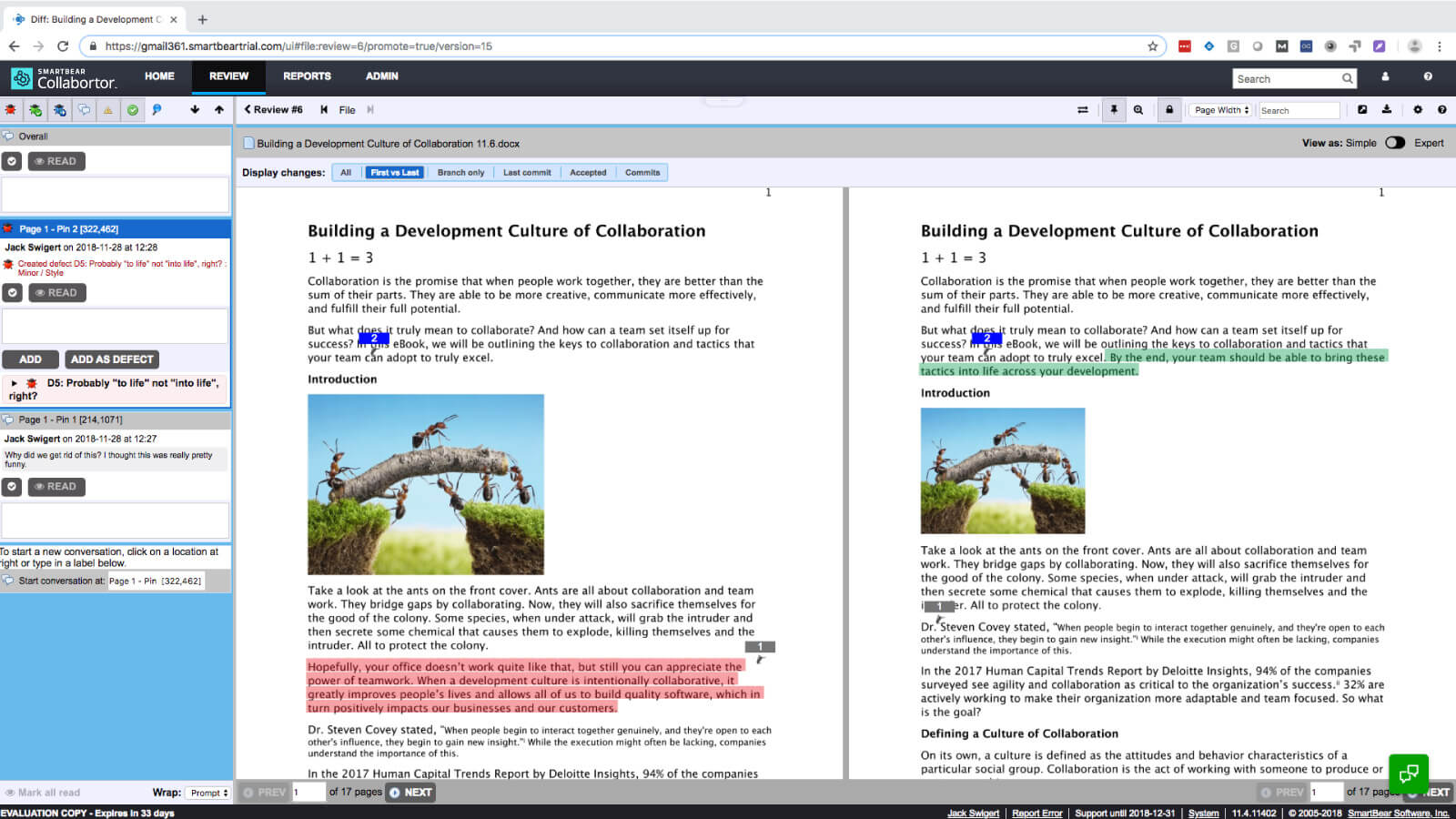
Custom Code Review Templates
Build custom review templates to ensure that each type of peer review meets your specific compliance needs. Set rules, permissions, and notifications for each template that work in the background.
Learn More
Peer Code Review from GitHub Pull Requests
Create Collaborator code reviews whenever a GitHub pull request occurs. Many teams find that creating code reviews in GitHub is quick, but that they need the capabilities of a more robust peer review tool.
Learn More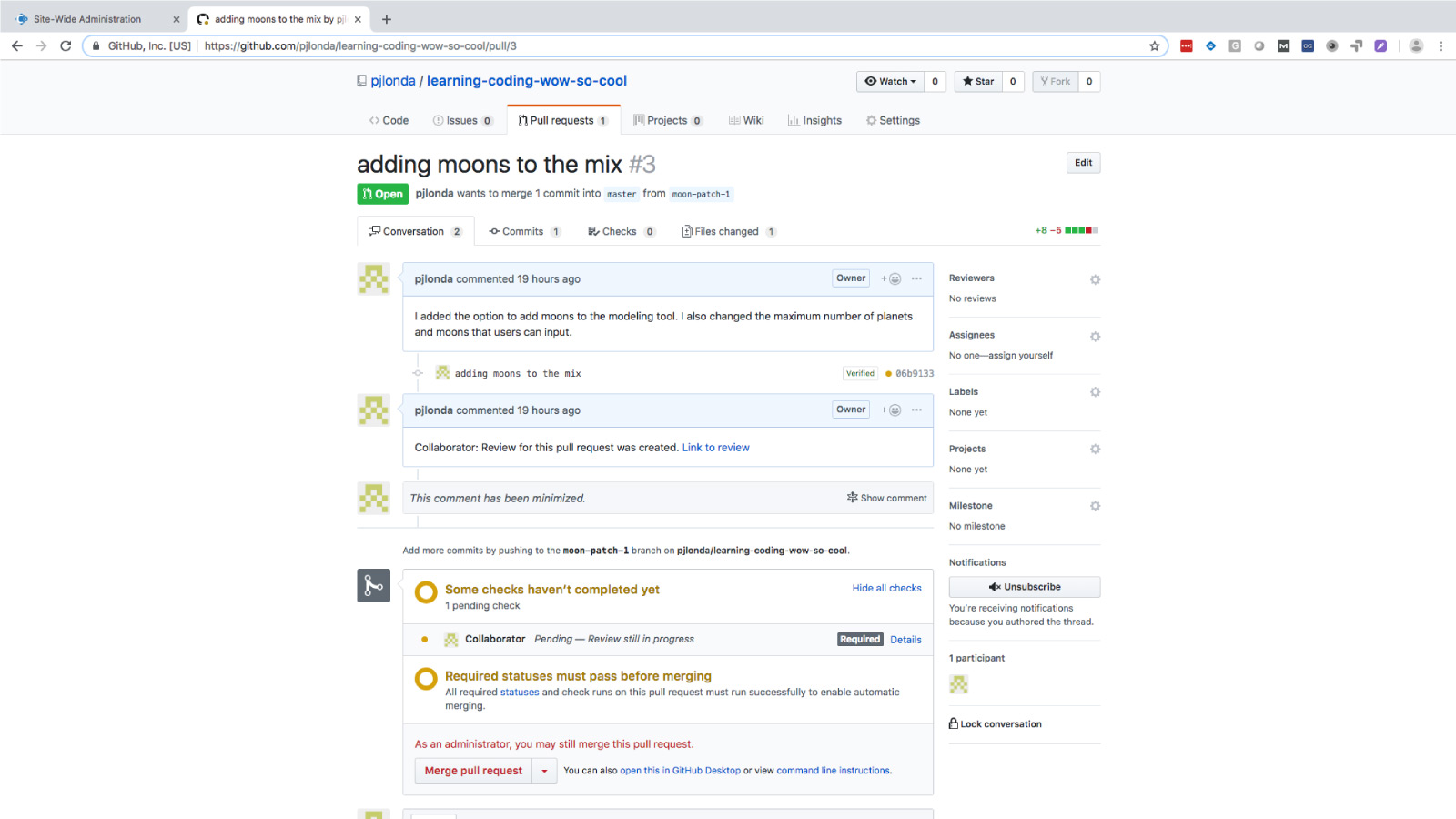
Understand and Improve Your Review Process
Collaborator keeps a detailed audit log, so in just a few clicks, you have reports to show everything from status of pending code reviews to the details of code review performance. They will even satisfy internal or regulatory requirements.
Learn More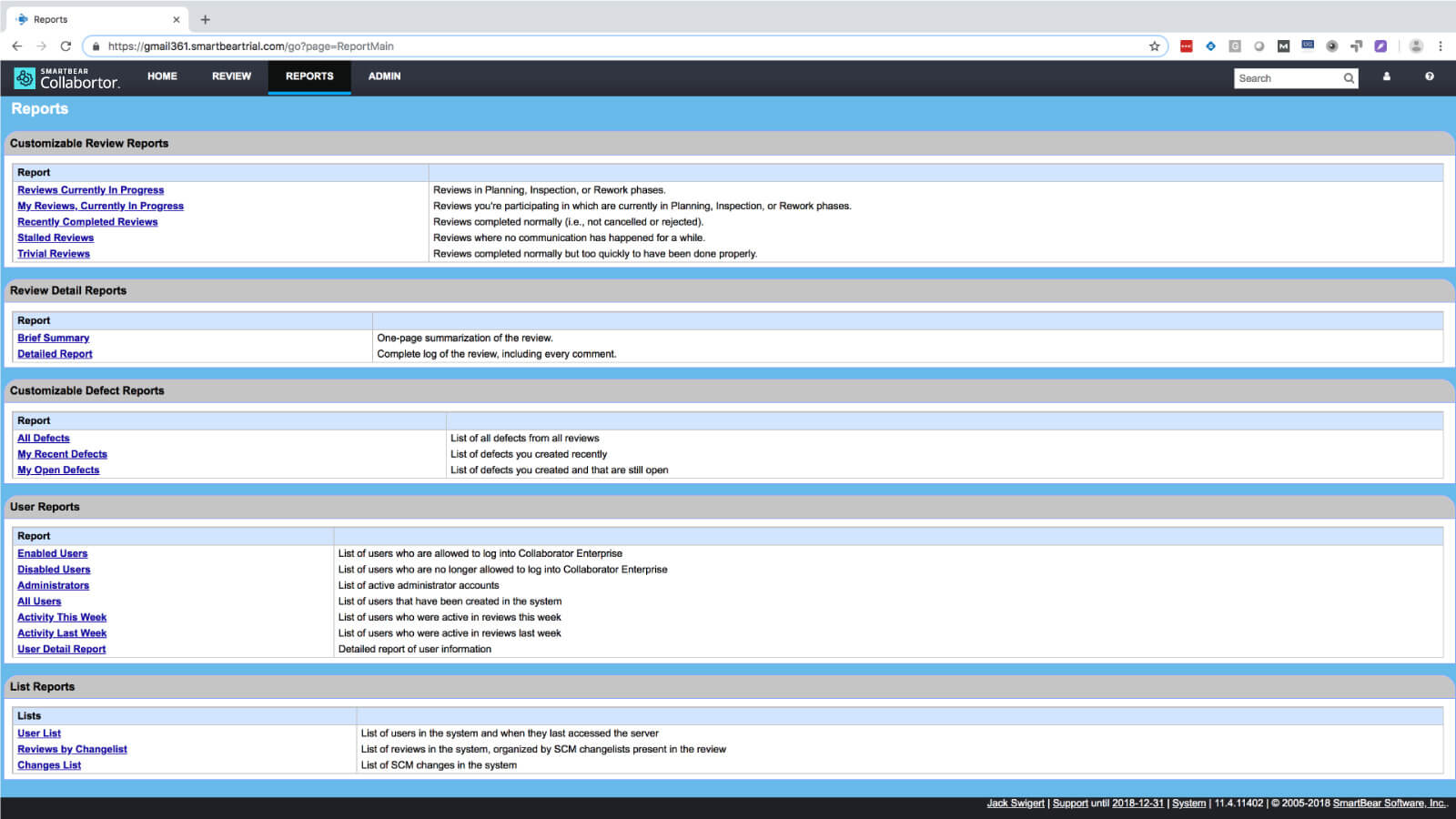
Integrate With Your Preferred SCM
Collaborator integrates with more version control systems than any other code review tool. From Git, Perforce, TFS and Subversion, to RTC and ClearCase — and everything in between — 11 integrations in all.
Learn More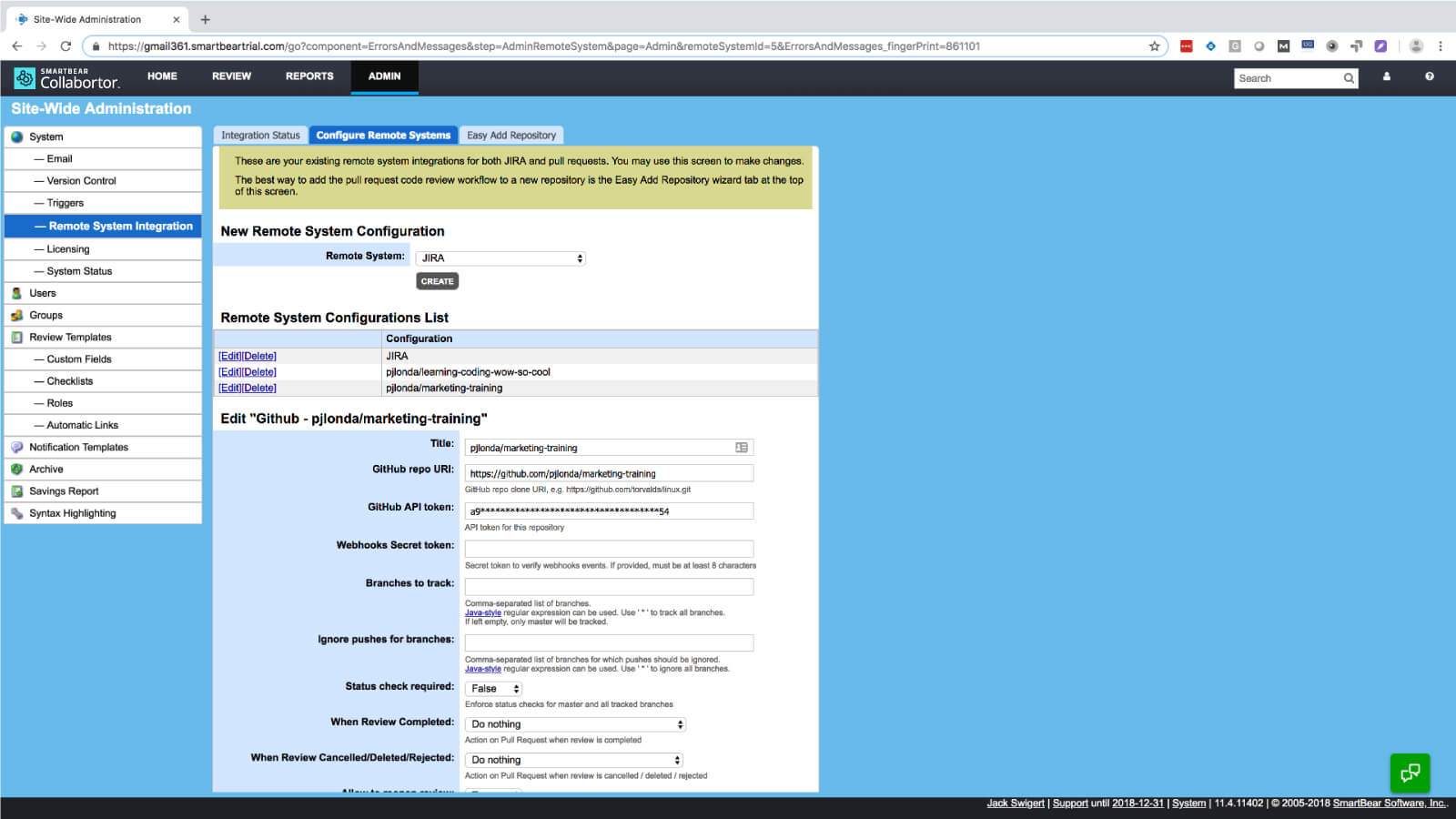
Easily Manage Regulatory Compliance
Put the agony of regulatory code review requirements in the past. Quickly implement standardized and documented peer review processes. Ensure proof of review with E-signatures and an audit trail to meet FDA, ISO, and CMMI compliance requirements easily.
Learn More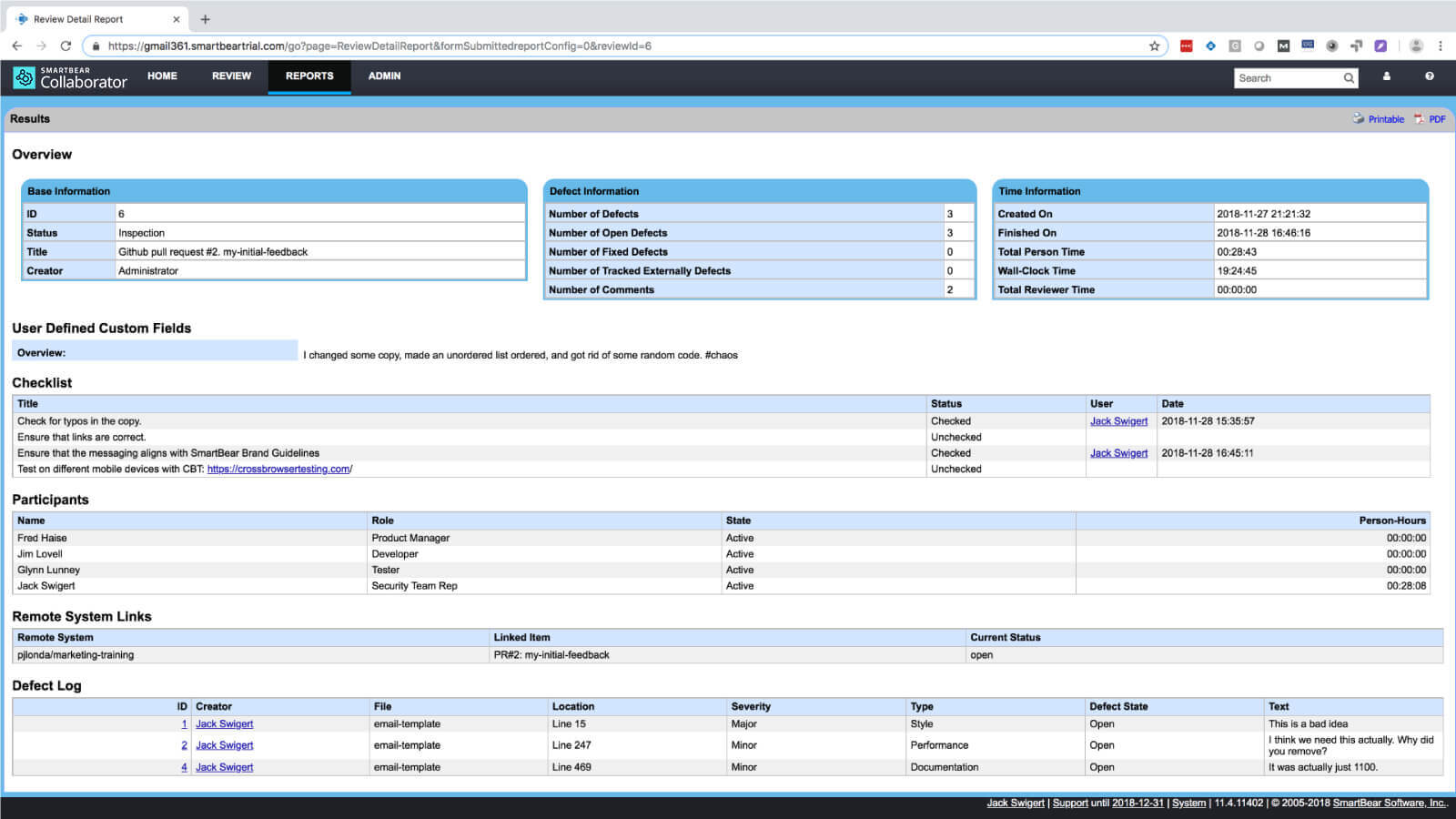
Save Your Peer & Reviews to a Zip File
Our Save to Zip feature enables your team to make a hand off to auditors so that you can meet compliance and quickly go back to building the next new feature.
Learn More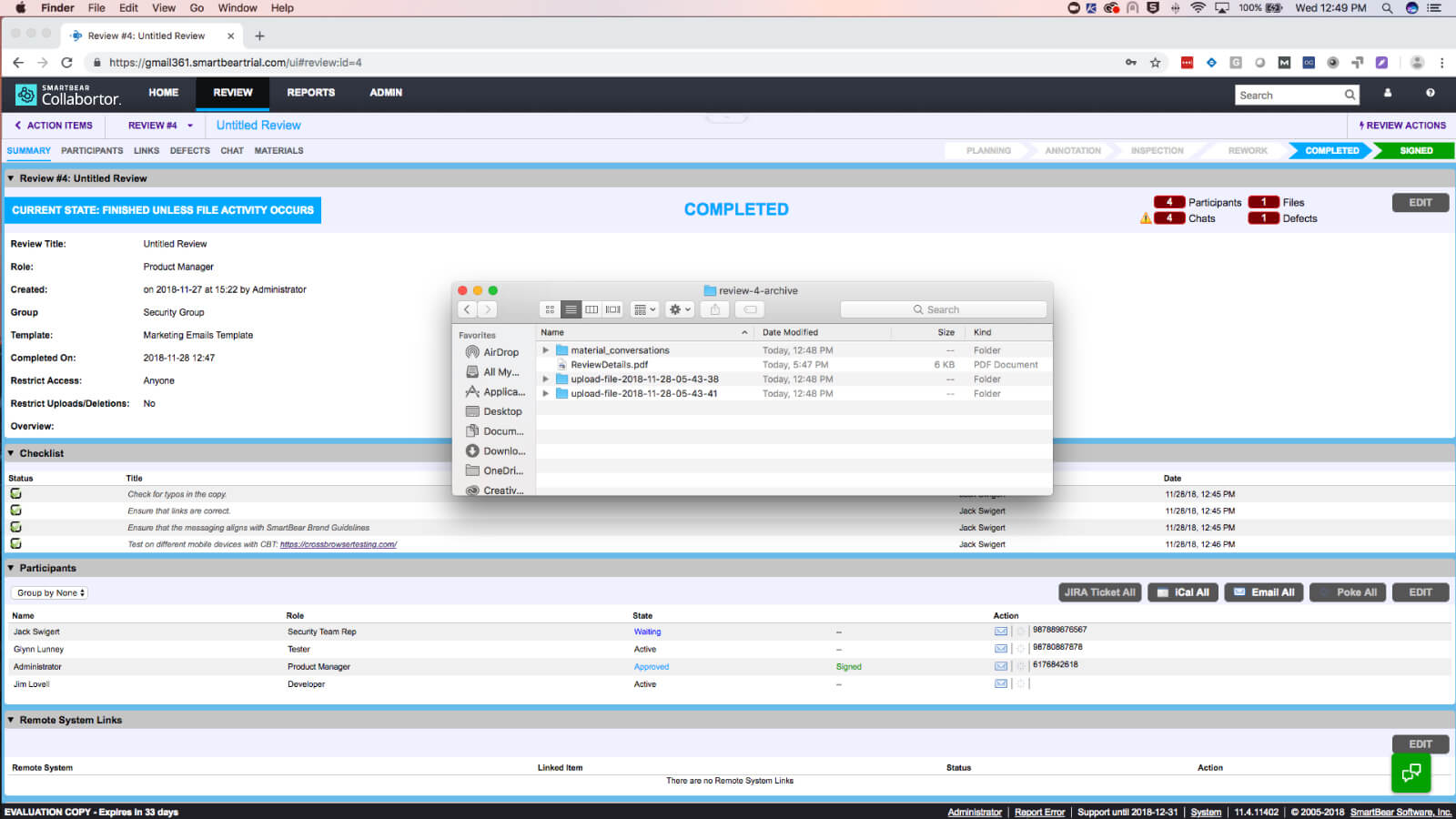
Track And Manage Defects In Your Code Reviews
Find a problem, create a defect, and ensure traceability. Simple as that. Collaborator helps you create defects using customizable fields so you can collect as much or as little data as you like.
Learn More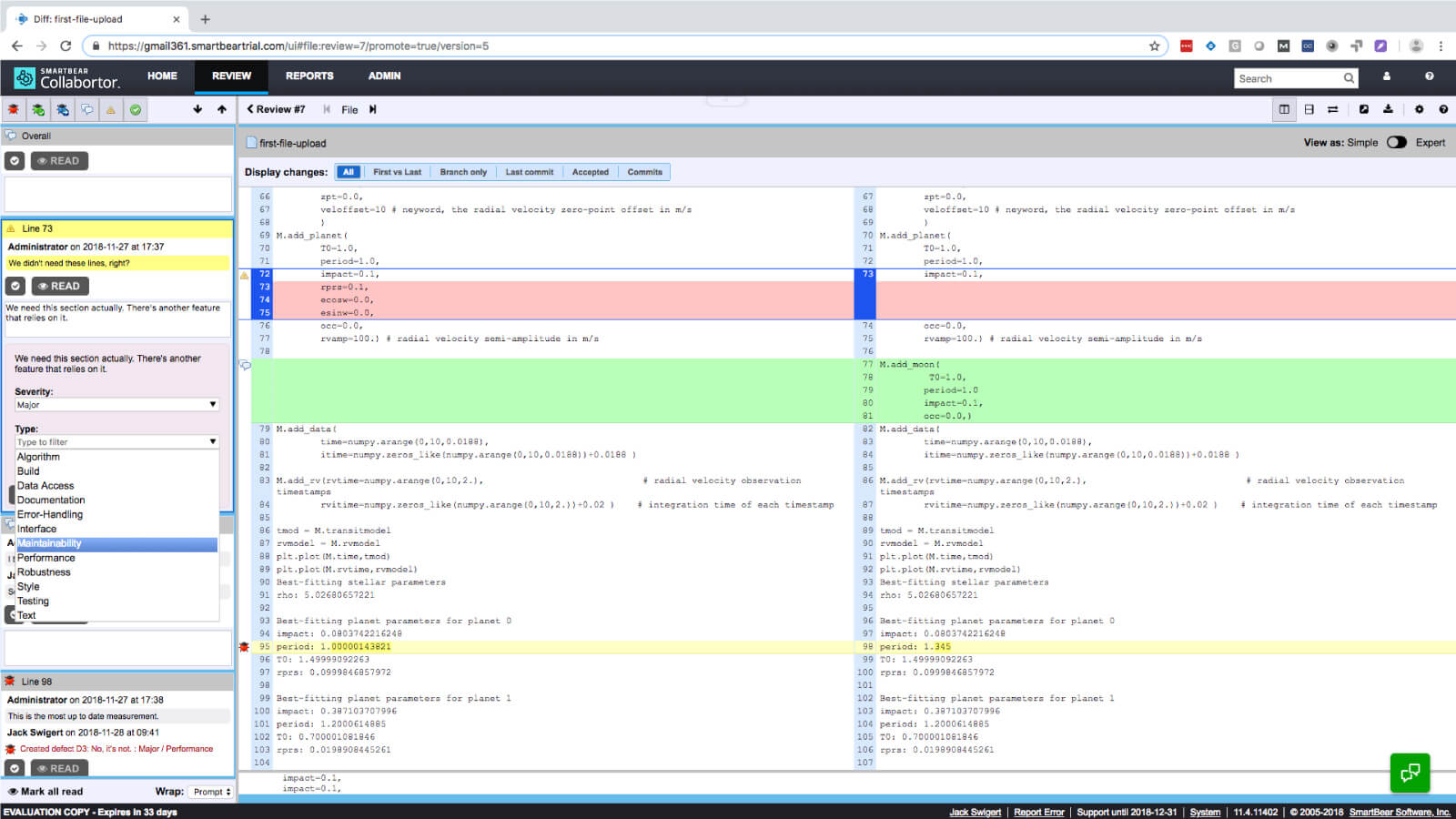
Learn more about Collaborator
Peer Code Review Capabilities Built to Drive Your Best Development Workflows