Test Smarter. Move Faster. Stay Secure.
Flexible automation that works the way you do – any skill level, any app.
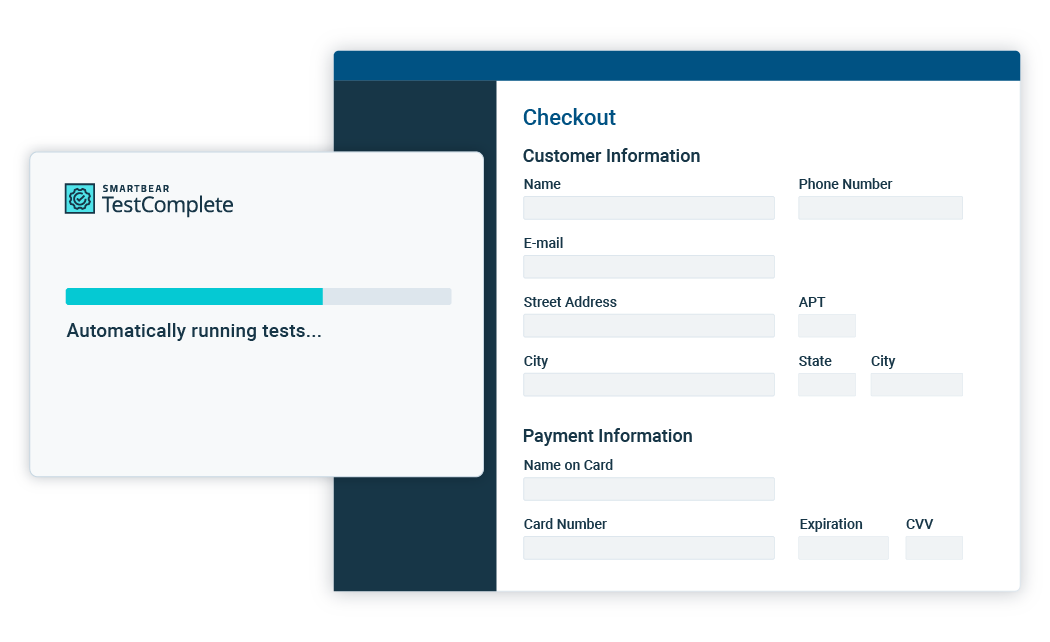




One tool, endless possibilities
Deliver quality with powerful test automation across desktop, web, and mobile applications.
Keep using the tools you love
Seamless integrations that keep your workflows running smoothly without missing a beat.





Optimize testing with SmartBear AI
Boost quality and save valuable time by letting AI tackle the most time-consuming parts of your testing workflow.

Personalize tests
AI test-data generation
Instantly create realistic, reusable test data tailored to your use cases, so you can build and execute data-driven tests faster.
Easy maintenance
Self-healing
Reduce the burden of test maintenance by automatically adapting to UI changes, freeing you up to focus on more strategic tasks.
Handle complexity
Optical Character Recognition (OCR)
Easily validate dynamic content like PDFs and scanned documents, ensuring accuracy and reliability across all your applications.
Spot visual bugs
AI-powered visual testing
Leverage AI to filter out false positives and focus only on the changes that matter, ensuring your app looks perfect.
Automate with AI
AI-powered test automation
Looking for a cloud-based solution? Simplify test automation with Reflect’s AI-powered, no-code testing for web apps. Reflect mobile coming soon!
Secure environment
Our thick-client application lets you work offline or in a secure local network rather than on a remote server.
Data protection
Store data locally and disable data sharing to ensure sensitive information doesn’t leave your machines.
3rd party risk management
Get quick information to stay compliant and work with our teams when you need to pass important security questionnaires.
Proven results from real customers
See how teams like yours achieve faster releases and more automation coverage with TestComplete.
"With TestComplete, we’ve been able to shorten regression cycles from two weeks to half a day... We can get sprints and builds out way quicker than we ever did before, and it means more releases to production."
David Redford
QA Leader
"In the five years since we adopted TestComplete, we’ve gone from 0% automation to 88% automation...it makes light-years of difference. Overall, we have developed around 70,000 tests.”
Bill Turner
VP of Quality and Support at Aras Corporation
Frequently Asked Questions
Get started today
Save time, improve quality, and deliver with confidence